
Checkout in seconds
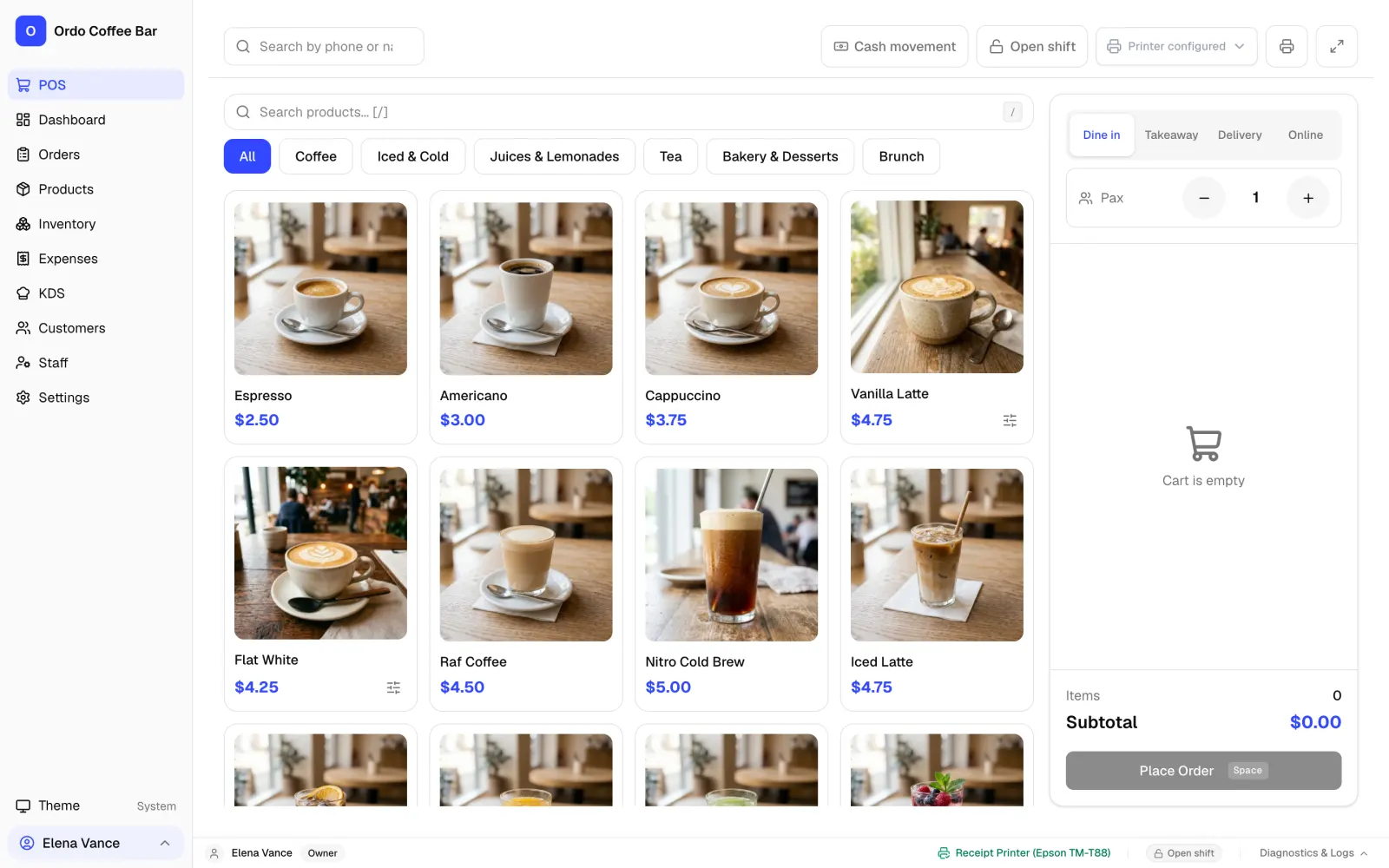
Big buttons, photos of your drinks, milk and syrup options, cash, card and split payments. Built for the morning rush.
Checkout, kitchen screen, stock by recipe and daily reports in one app. Install it on Windows, open it on any tablet, and start in a few minutes.
No card needed. Cancel anytime.
Proven in a real coffee shop
The first 50 coffee shops keep today’s price for as long as they stay with Ordo. Start your 2 free weeks now and the price is yours.
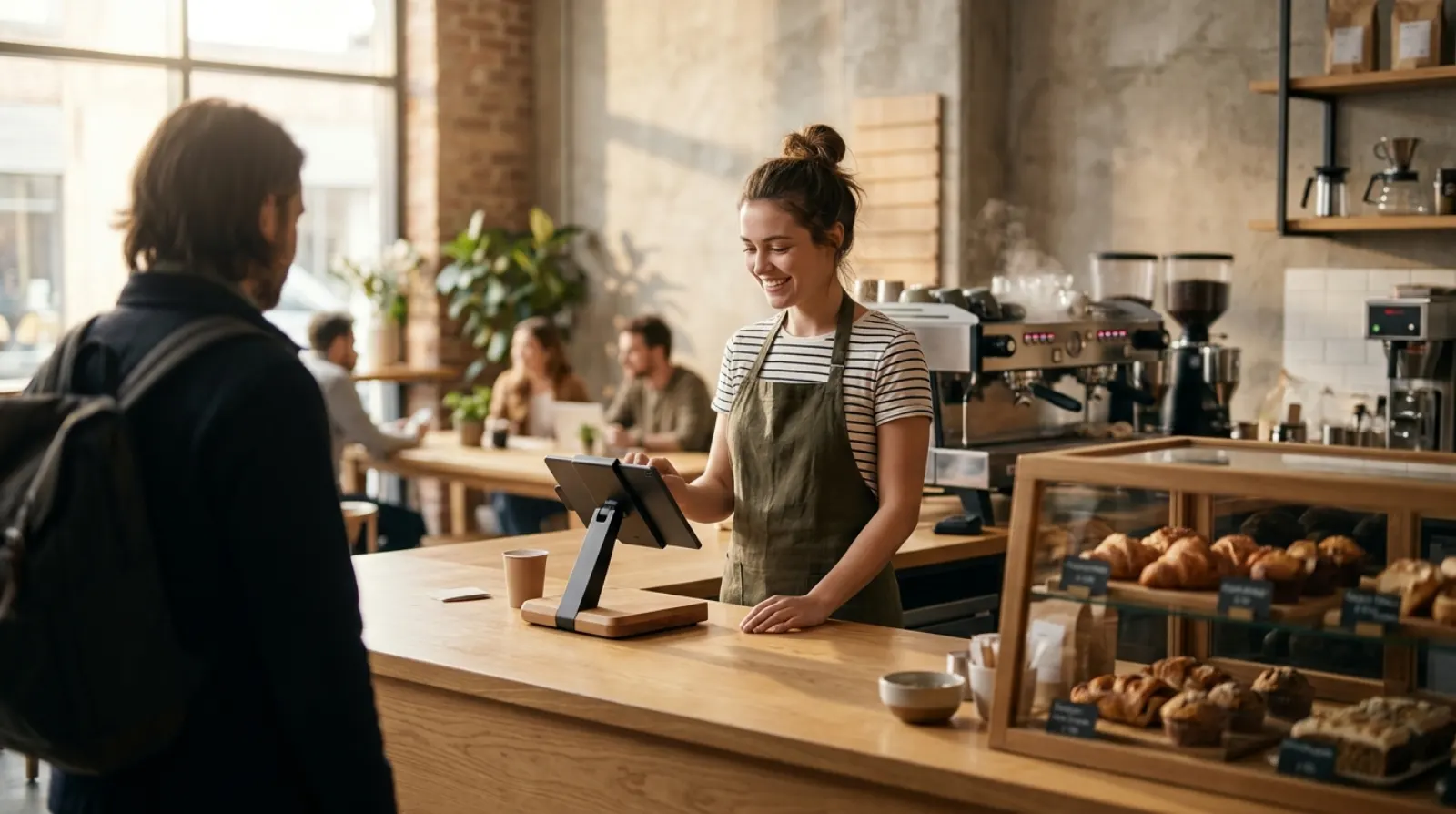

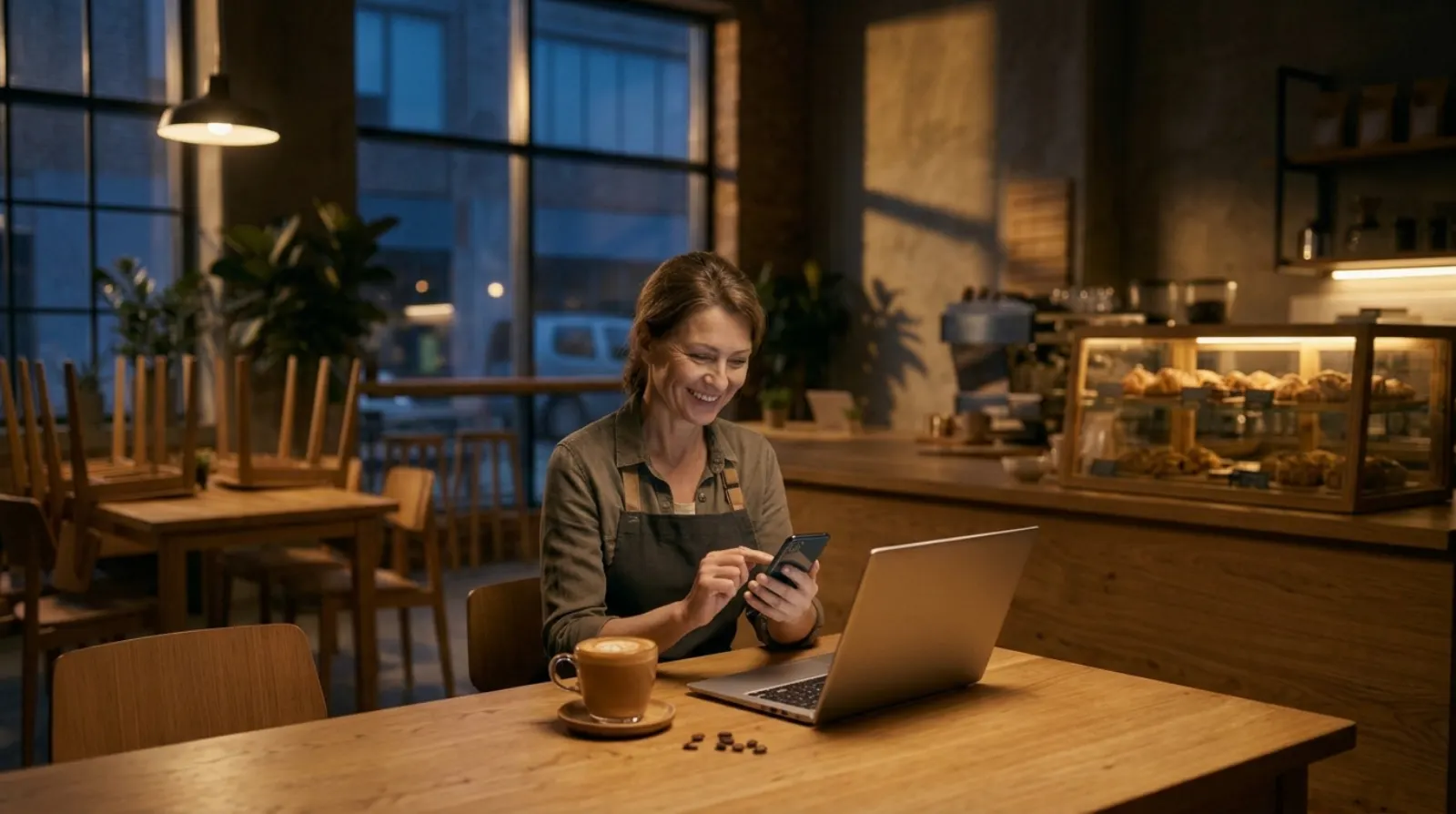
Name your café and get your free trial in a minute. No card, no call with sales.
Download Ordo for Windows and plug in your USB printer, or open your café link on a tablet.
Add your menu, invite your baristas and take your first order the same day.
Features
No add-ons to buy later. One price covers the till, the kitchen screen, stock and reports.
Big buttons, photos of your drinks, milk and syrup options, cash, card and split payments. Built for the morning rush.
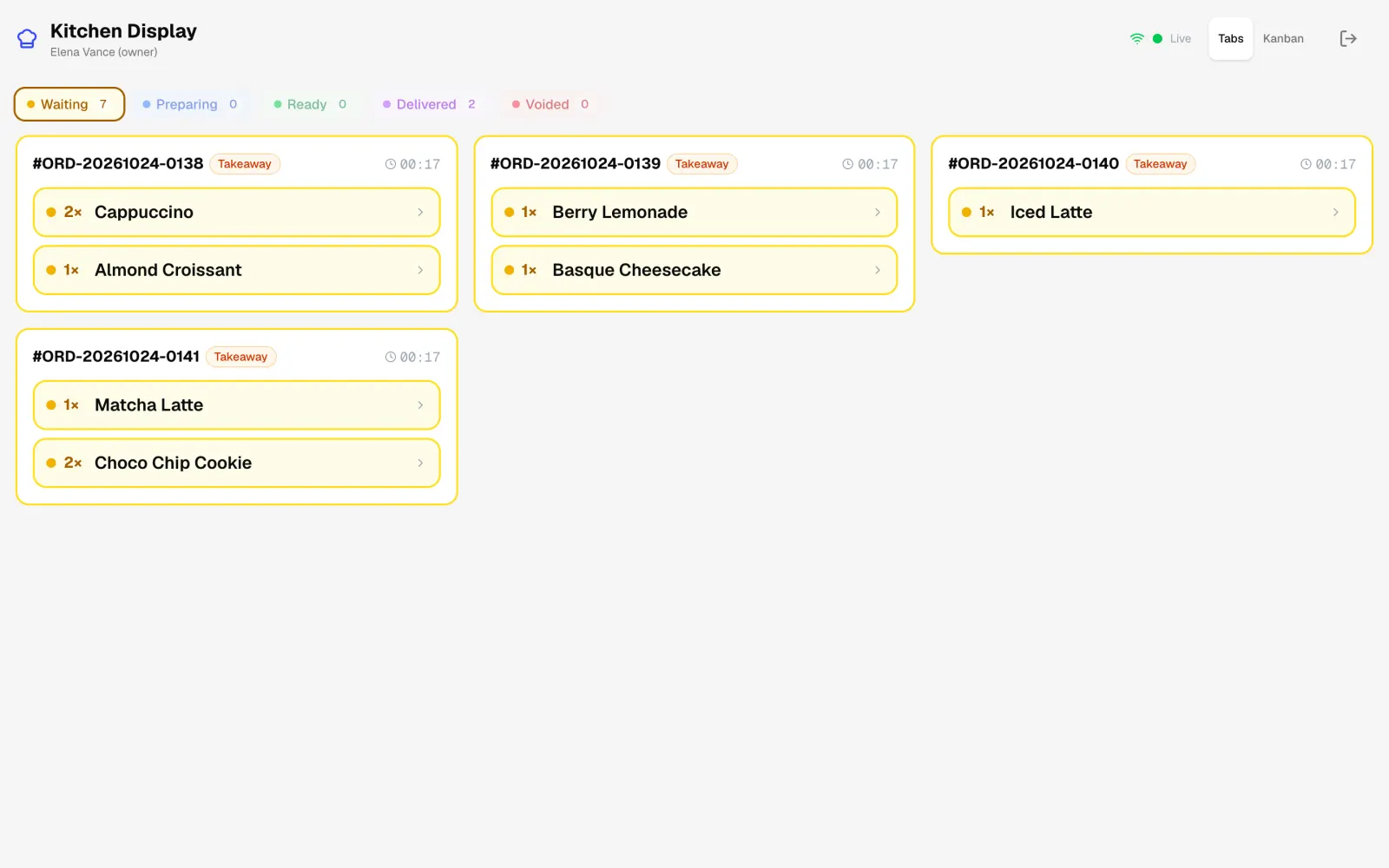
Orders appear on a tablet at the bar the moment they are paid. Baristas move them from waiting to ready with one tap.
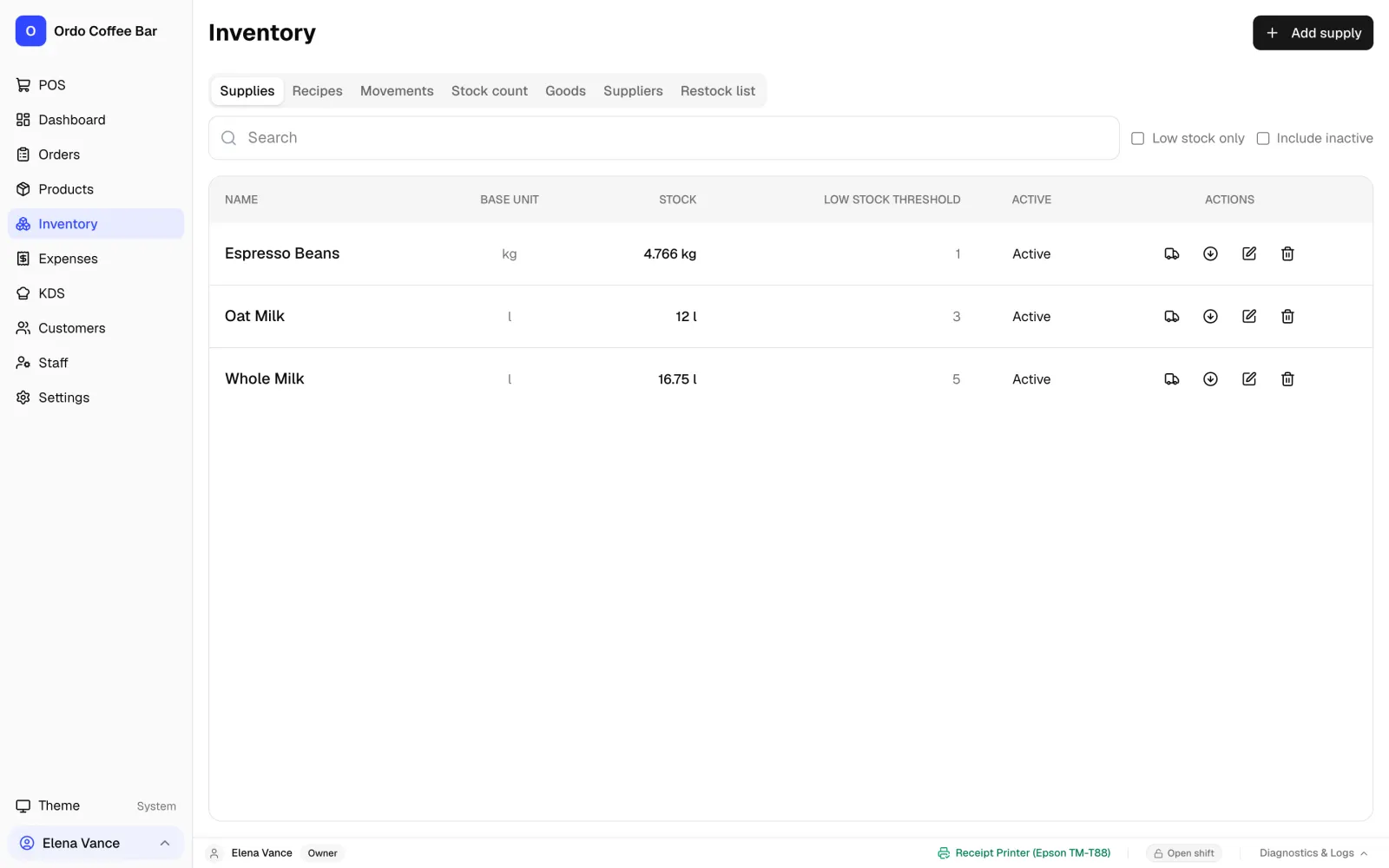
Every cappuccino writes off its beans and milk. Ordo shows what is running low and prints a shopping list.
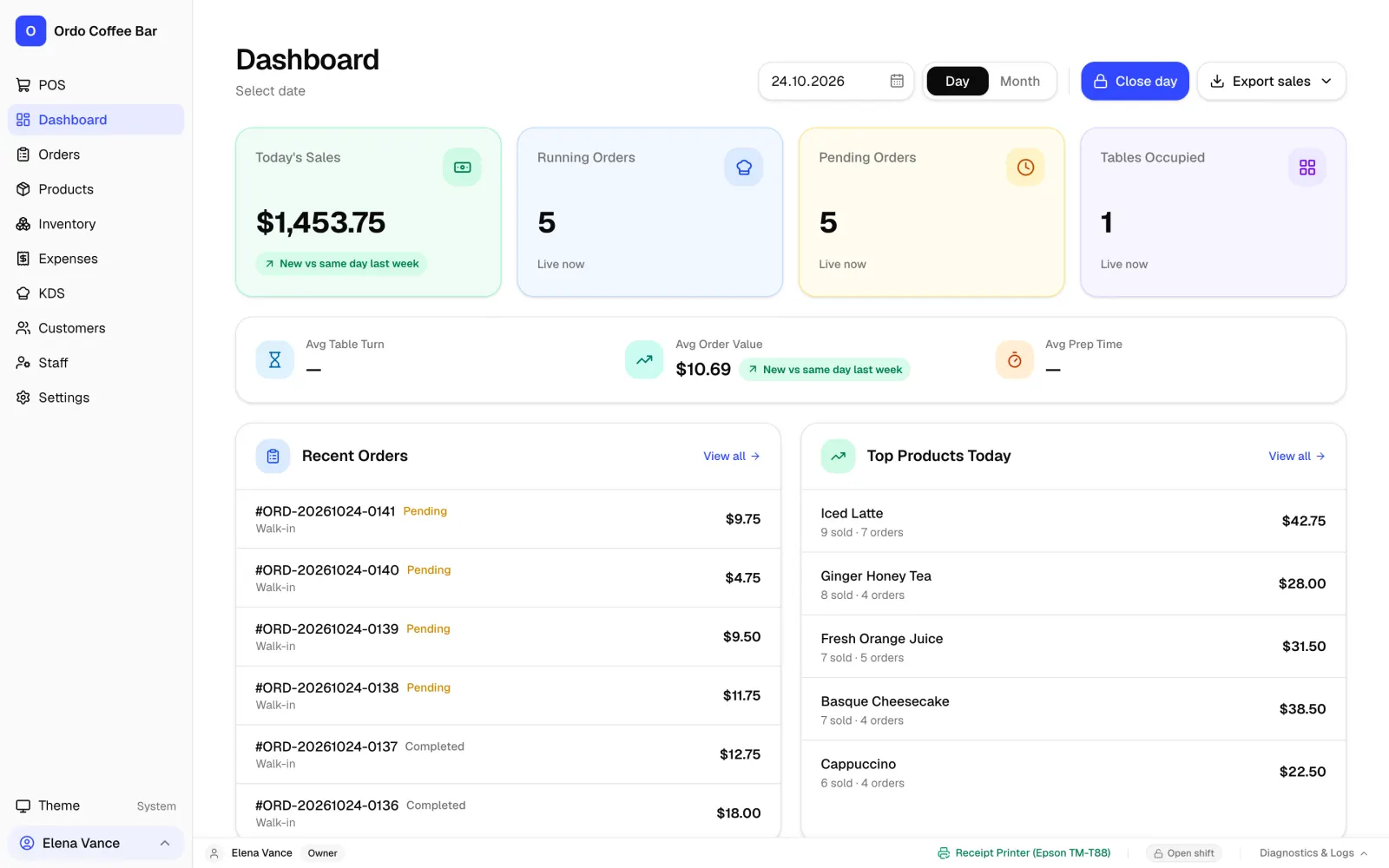
Revenue, best sellers and average check for the day or month. Close the shift and see cash in the drawer at a glance.
The Windows app keeps your data on your own computer and keeps selling offline. Tablets connect over your Wi-Fi.
Get the shift report and low-stock warnings straight to your phone, wherever you are.
Separate logins for owner, manager and baristas. Discount limits and refunds protected by the owner PIN.
Find a regular by phone, give cashback and see their order history.
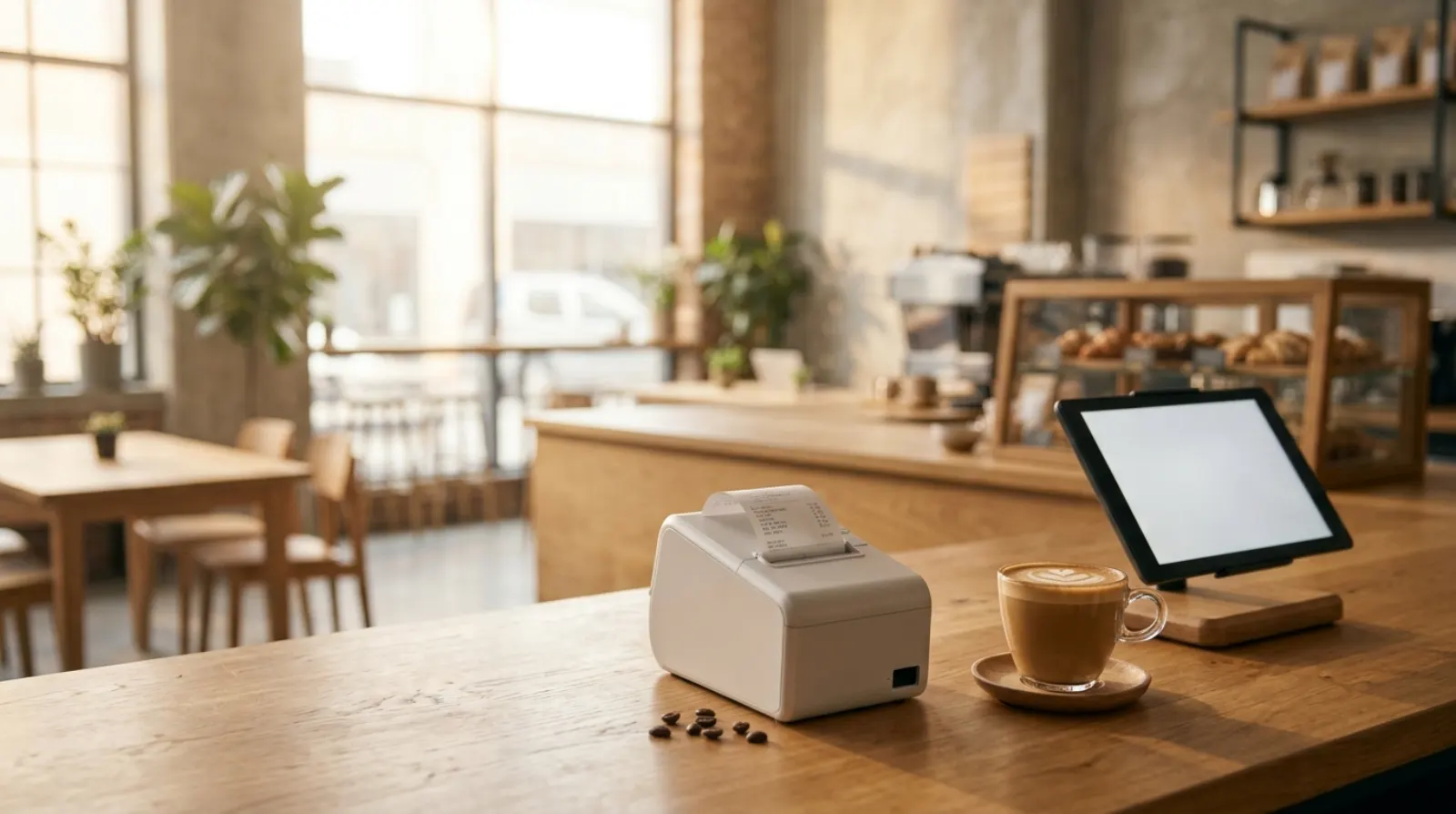
Install the app, connect a USB receipt printer and a cash drawer.
Open your café link in the browser. Nothing to install.
Keep your bank terminal. Mark the payment as card and both totals match at close.
Why Ordo
What you usually pay extra for elsewhere is part of Ordo from day one.
| Ordo | Typical POS | |
|---|---|---|
| Keeps selling without internet | Yes, on Windows | Often limited or card-only |
| Kitchen display | Included | Often a paid add-on |
| Stock by recipe | Included | Often a paid add-on |
| Extra tablets and devices | No extra charge | Often priced per device |
| Where your data lives | On your computer or your own server | In the vendor's cloud |
Based on public pricing pages of popular POS systems in 2026. Check your current provider for exact terms.
Pricing
Everything included, for one café.
about 23 USD
2 weeks free, no card neededPrice locked for the first 50 cafésFAQ
Yes. The Windows app stores everything on your computer and keeps selling when the internet is down. Tablets in the café connect to it over your Wi-Fi. The online version needs internet.
Standard 58 mm and 80 mm thermal receipt printers (ESC/POS) connected by USB to the Windows computer. Kitchen tickets can print too.
Yes. Take the card payment on your bank terminal as usual and mark the order as paid by card in Ordo. At the end of the day the card total matches the terminal report.
Ordo prints regular customer receipts. If your country requires fiscal receipts, keep using your fiscal register alongside Ordo.
Yes. Send us an export from your current system and we will help bring over your menu, recipes and sales history.
New versions arrive automatically. The app offers to install the update when it suits you, so it never restarts in the middle of a shift.
Pay by card once a month from your subscription page. You can turn off auto-renewal there at any time; the paid month keeps working to its end.
Two weeks free. Set up your menu tonight and serve your first guest tomorrow morning.
Try 2 weeks free